clip and note
Clip it. Note it. Share it.
Markup your screenshots, share, export multi-page PDFs and more…

Markup your screenshots, share, export multi-page PDFs and more…
Grab a shot, draw on it, and find it again later,
without ever opening a heavyweight editor.
Crosshair, previous area, timed, fullscreen, window, or a menu. One click from the bar.
Arrows, boxes, text, highlighter, blur. Every mark is selectable and movable, not baked in.
Every markup is saved automatically, with your recent shots one tap away in the menu bar.
Tick the markups you want, drag them into order, and export one PDF with optional page numbers.
Save an editable document, or export layered PDF and SVG — or a flat PNG when you need one. Your vector exports keep every mark.
Pull any text out of a screenshot with on-device OCR. Selected lines copy straight to your clipboard.
It lives in your menu bar and stays out of the way
until you need to grab something.
Pick a capture mode from the menu bar (Crosshair Clip is ⌥⌘4), or grab a whole window. Your shot opens straight in the editor.
Drop arrows, boxes, text and highlights. Each one stays a live object you can move, restyle, or delete. Blur the bits that shouldn't be public.
Send it straight to the clipboard for a quick paste, save an editable document, or export a layered file. It hands off to clipandcue as your latest copy, without flooding its history.
The callouts cycle on their own — hover any tool or menu item to read what it does.
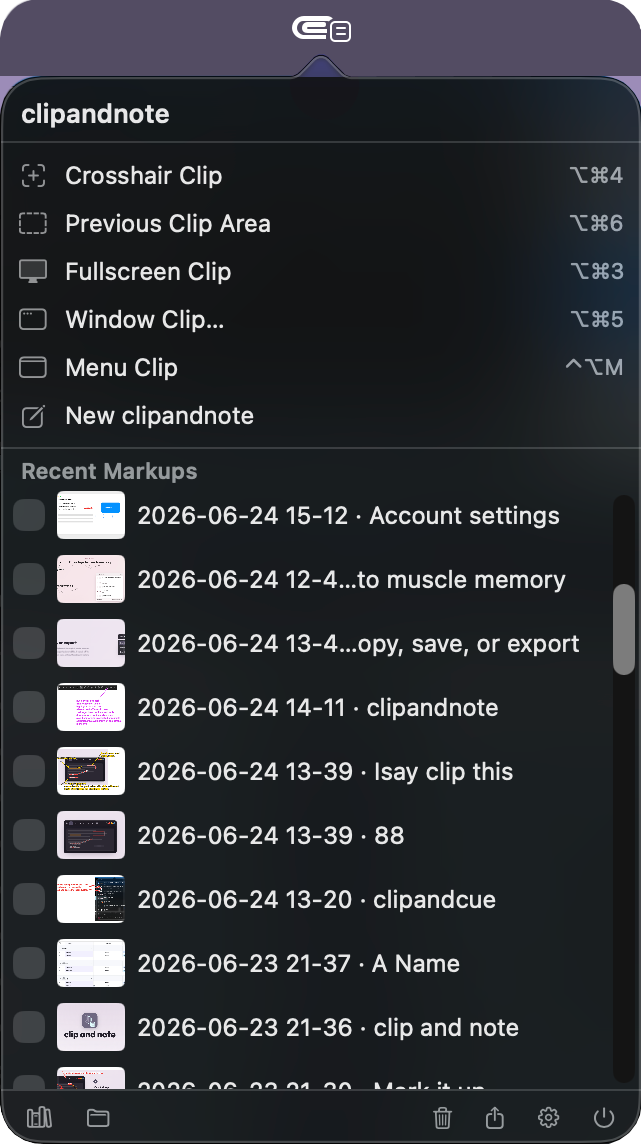
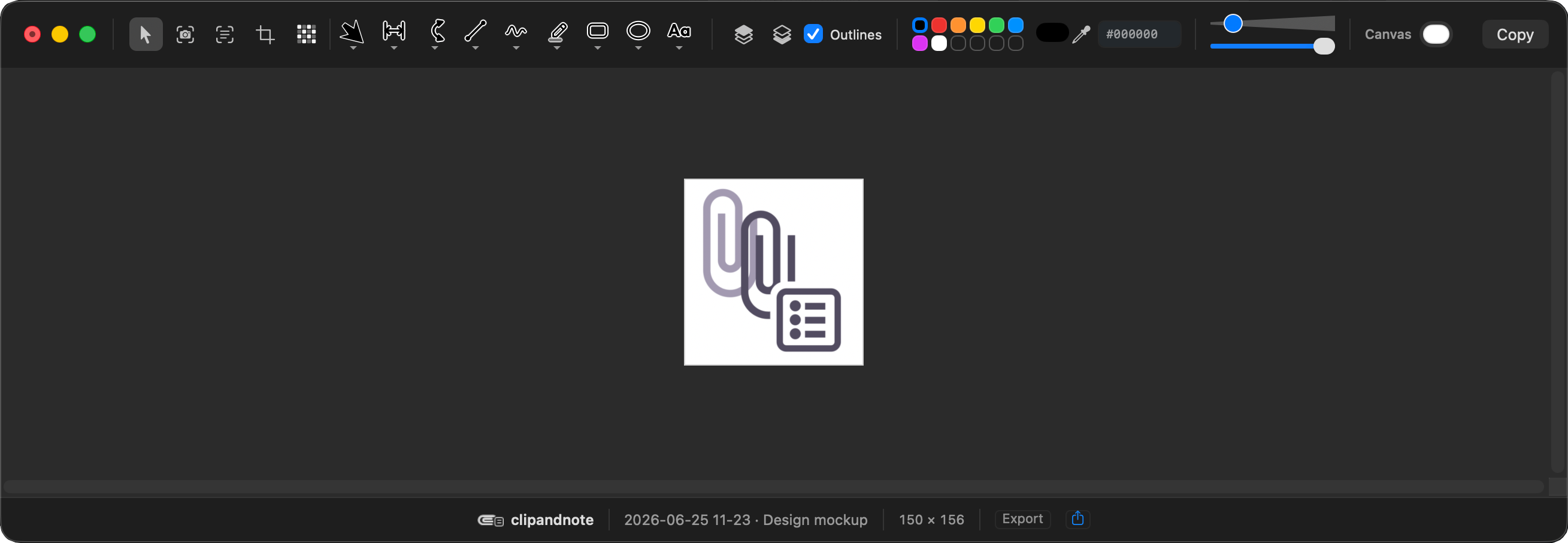
And a capture mode for whatever's on screen.
The smart stuff (Grab Text (OCR) and automatic on-device snapshot naming) runs 100% on your Mac. There's no account and nothing is uploaded; your screenshots never leave your machine.
Free for personal use, on-device, and light on your Mac.
Tick the box to enable the download.
v0.1.3 · released June 24, 2026